Cloudflare was down again: Here’s what happened.
Last checked from Zoom Room official status page recently
Not working for you?
Report an outageThis chart represents Zoom Room service health over the last 24 hours, with data points collected every 15 minutes based on issue reports, page visits, and signal strength. Sign up for free to see more Zoom Room status data.
View and upvote the most commonly reported Zoom Room issues to help us better indicate the service status.
Have a different problem with Zoom Room?
Report an outage
Follow the recent outages and downtime for Zoom Room in the table below. If you're experiencing a problem now, check the current Zoom Room status or report it.
| Incident Name | Duration | Started | Severity |
|---|---|---|---|
|
Announcing scheduled maintenance for Zoom Rooms and Cloud Room Connector
|
1h 50m |
Maint
|
|
|
Announcing scheduled maintenance for Zoom Rooms and Cloud Room Connector
|
5m |
Maint
|
|
|
Scheduled maintenance for Zoom Rooms and Workspace Reservation
|
2h |
Maint
|
|
|
Mac Zoom Rooms users are unable to join Microsoft Teams meetings
|
1d 23h 10m |
Warn
|
|
|
A subset of customers are unable to launch Web Zoom Room Controller.
|
50m |
Warn
|
Stay updated with instant alerts for Zoom Room outages by signing up now!
You can also monitor any service or website on your status page
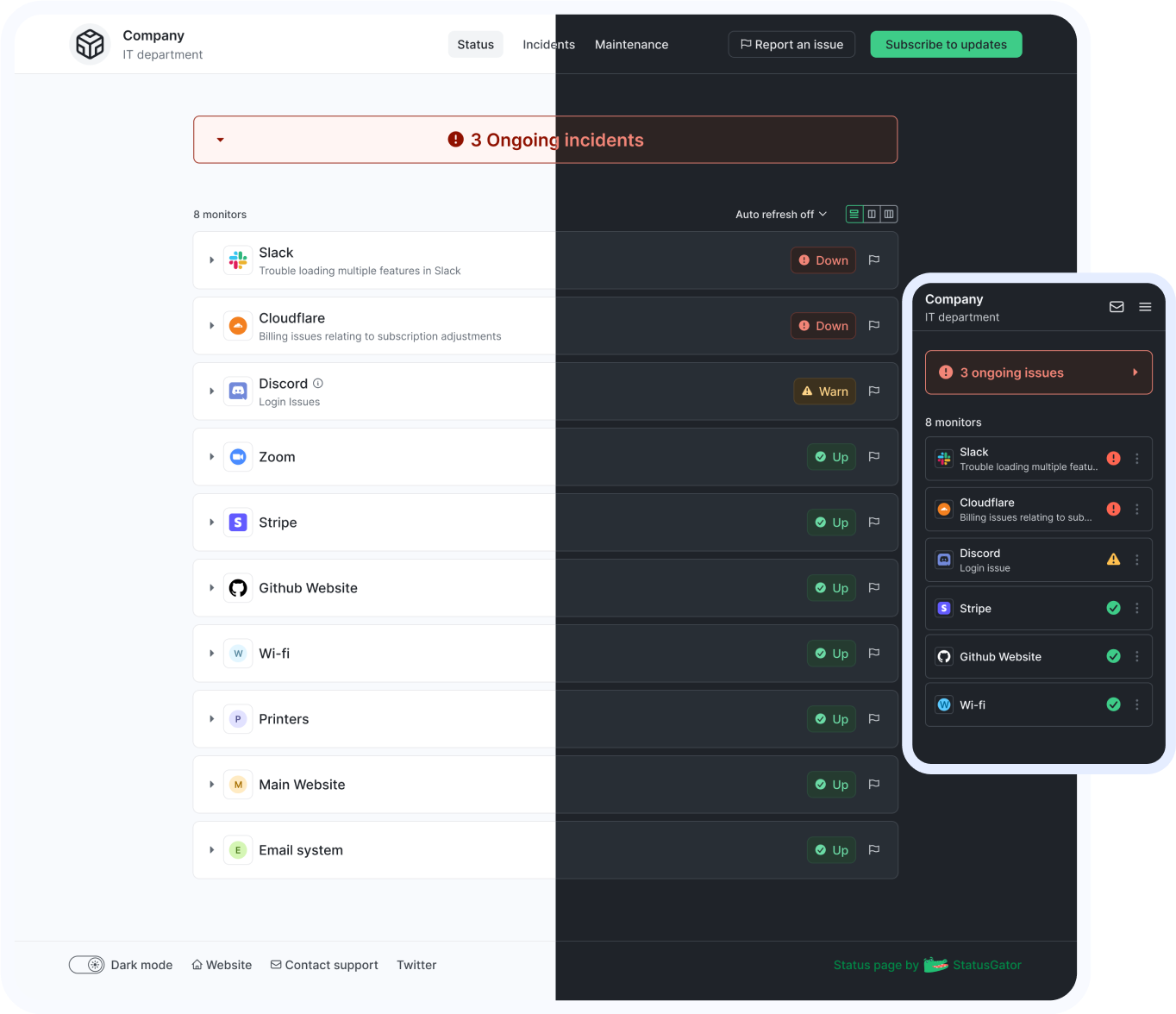
Stay updated with instant alerts for Zoom Room outages by signing up now!
With features designed to cover all your needs for monitoring and communicating outages or downtime, StatusGator keeps your team connected and informed. Stay updated on Zoom Room outages, potential problems, and its current status in real-time, ensuring you're always prepared to act.
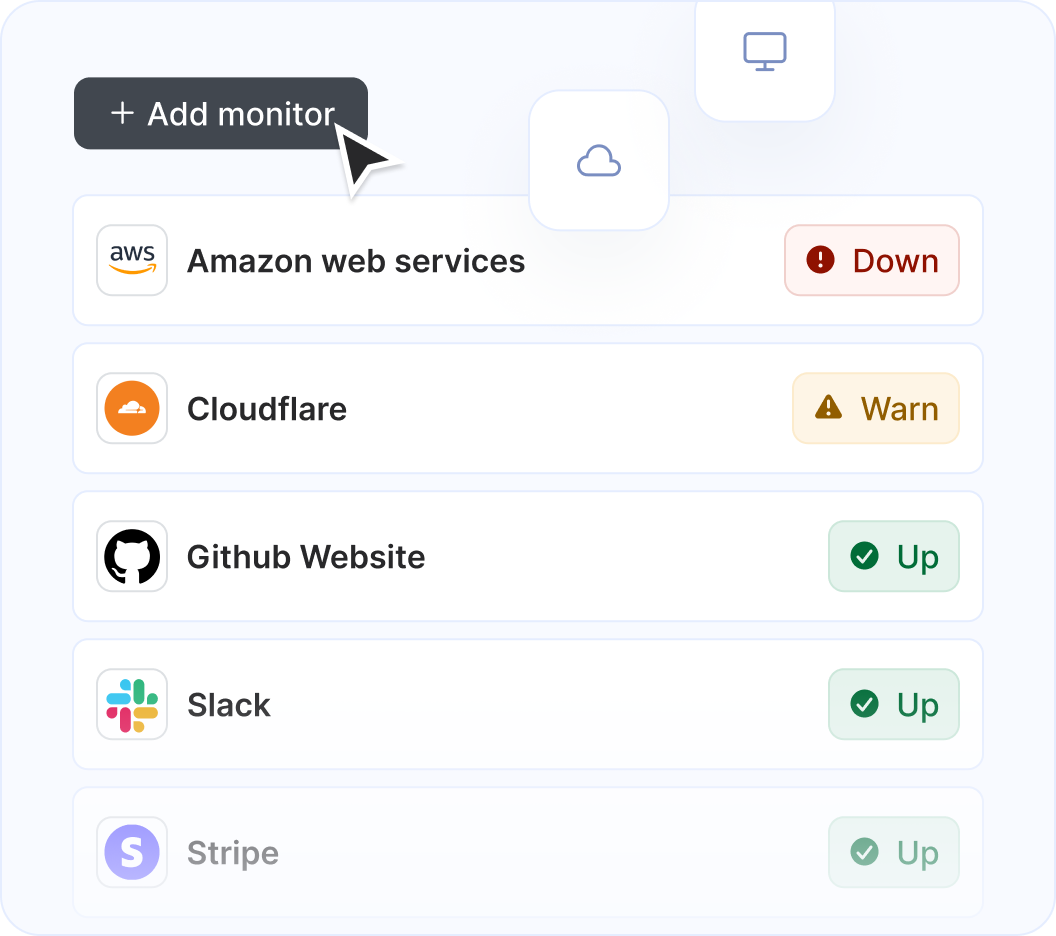
StatusGator monitors over 2,850 cloud services, hosted applications, and websites. Just add what you need to the list, and we'll automatically aggregate their statuses into a single page. You'll receive notifications for any issues affecting you and your page subscribers.
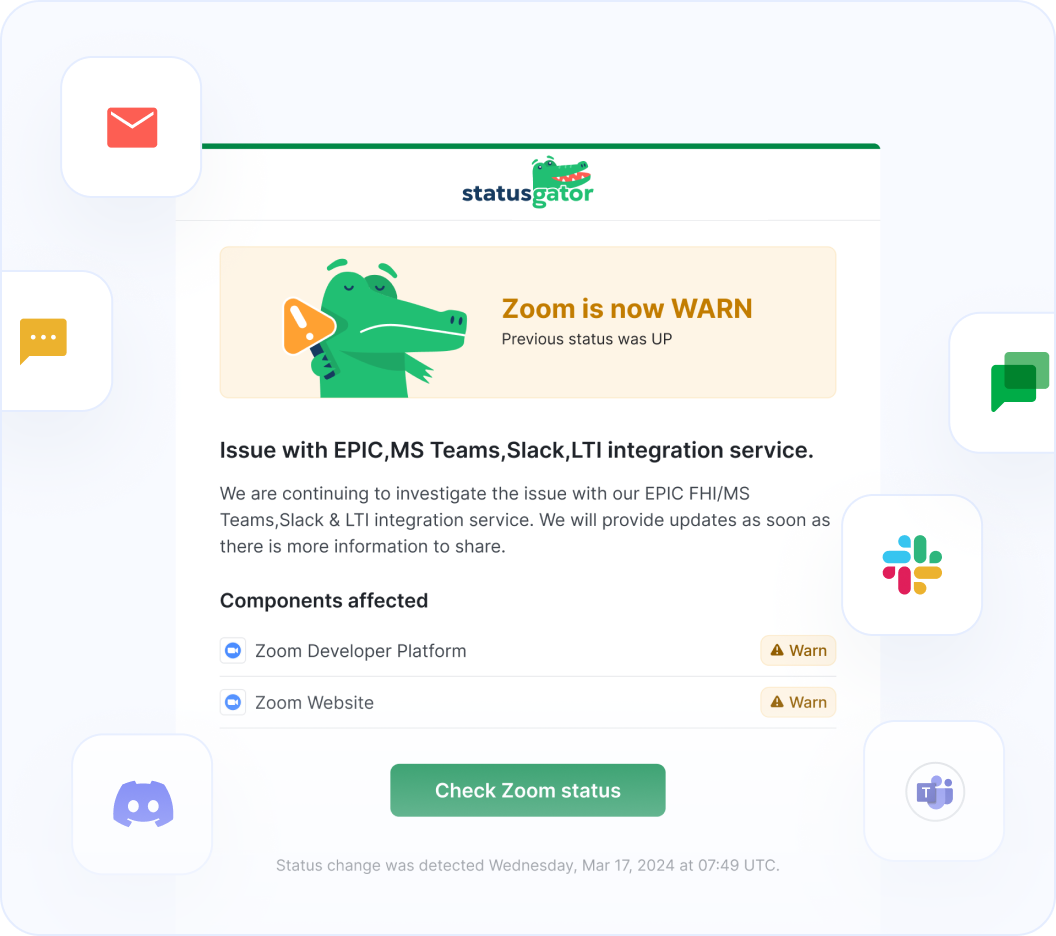
StatusGator monitors all of your services and websites and sends your team instant notifications when they go down. Stay abreast of issues that affect your team with notifications: in email, Slack, Teams, or wherever your team communicates.
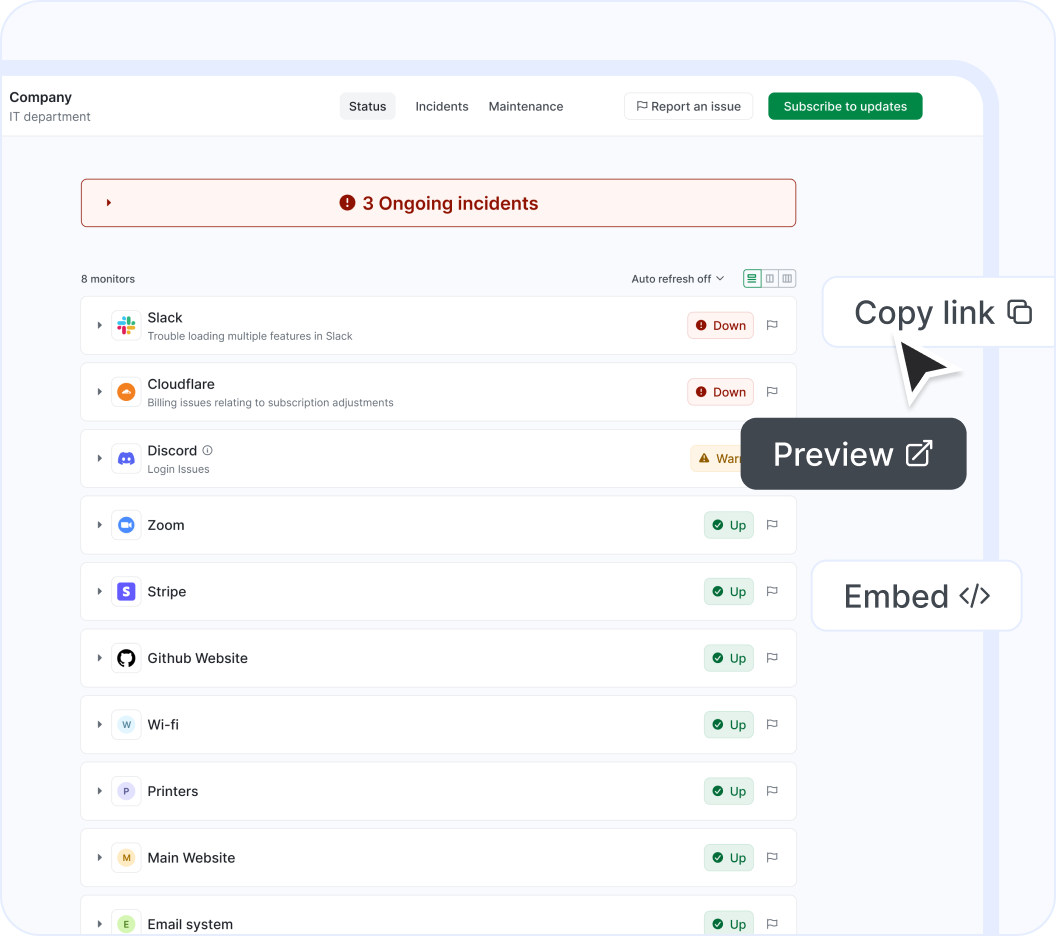
Easily notify your end-users of outages using a customizable status page. Display cloud services or websites, as well as any custom monitors you add manually. Create multiple status pages tailored to different needs, customize them, and embed them for maximum effectiveness.
Zoom Room is a an Education and Communications solution that StatusGator has been monitoring since May 2017. Over the past over 8 years, we have collected data on on more than 644 outages that affected Zoom Room users. When Zoom Room publishes downtime on their status page, they do so across 168 components and 27 groups using 4 different statuses: up, warn, down, and maintenance which we use to provide granular uptime metrics and notifications.
If you're wondering, "Is Zoom Room down?", or need to know its current status, we've got you covered. Our platform tracks every reported outage, performance issue, and maintenance window to ensure you're informed. Whether Zoom Room is experiencing a problem now or has recently resolved one, our detailed history keeps you updated.
Many StatusGator users monitor Zoom Room to get notified when it's down, is under maintenance, or has an outage. This makes it one of the most popular Education services monitored on our platform. You can get alerts by signing up for a free StatusGator account.
If we detect a potential Zoom Room outage or other issue before it was reported on the official status page we will send an Early Warning Signal notification to StatusGator subscribers. We can often detect issues before they are officially acknowledged by the provider, giving you a head start on resolving any potential problems.
If Zoom Room is having system outages or experiencing other critical issues, red down notifications appear on the status page. In most cases, it means that core functions are not working properly, or there is some other serious customer-impacting event underway.
Warn notifications are used when Zoom Room is undergoing a non-critical issue like minor service issues, performance degradation, non-core bugs, capacity issues, or problems affecting a small number of users.
Zoom Room posts separate notifications for planned maintenance work. StatusGator will notify subscribers when Zoom Room enters a pre-planned maintenance window, keeping you up to date.
When Zoom Room posts issues on their status page, we collect the main headline message and include that brief information or overview in notifications to StatusGator subscribers.
When Zoom Room has outages or other service-impacting events on their status page, we pull down the detailed informational updates and include them in notifications. These messages often include the current details about how the problem is being mitigated, or when the next update will occur.
Because Zoom Room has several components, each with their individual statuses, StatusGator can differentiate the status of each component in our notifications to you whenever a particular component is down. This means, you can filter your status page notifications based on the services, regions, or components you utilize. This is an essential feature for complex services with many components or services spread out across many regions.
Stay updated with instant alerts for Zoom Room outages by signing up now!
Can't find your question? Email us to arrange a time to discuss. We'd love to chat!